A quiet tray app for capturing what you did, as you do it. Jot a bullet, tag it to a project, drop in a screenshot — and let the timeline keep the record. It lives in your tray and stays on your machine.
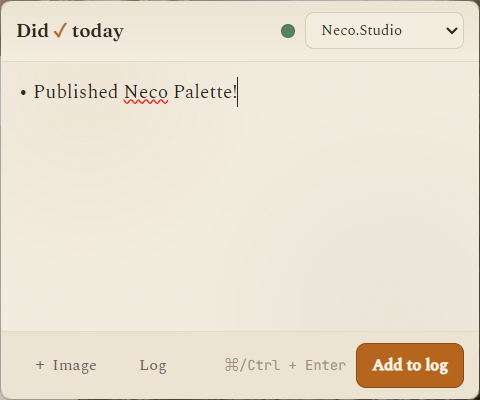
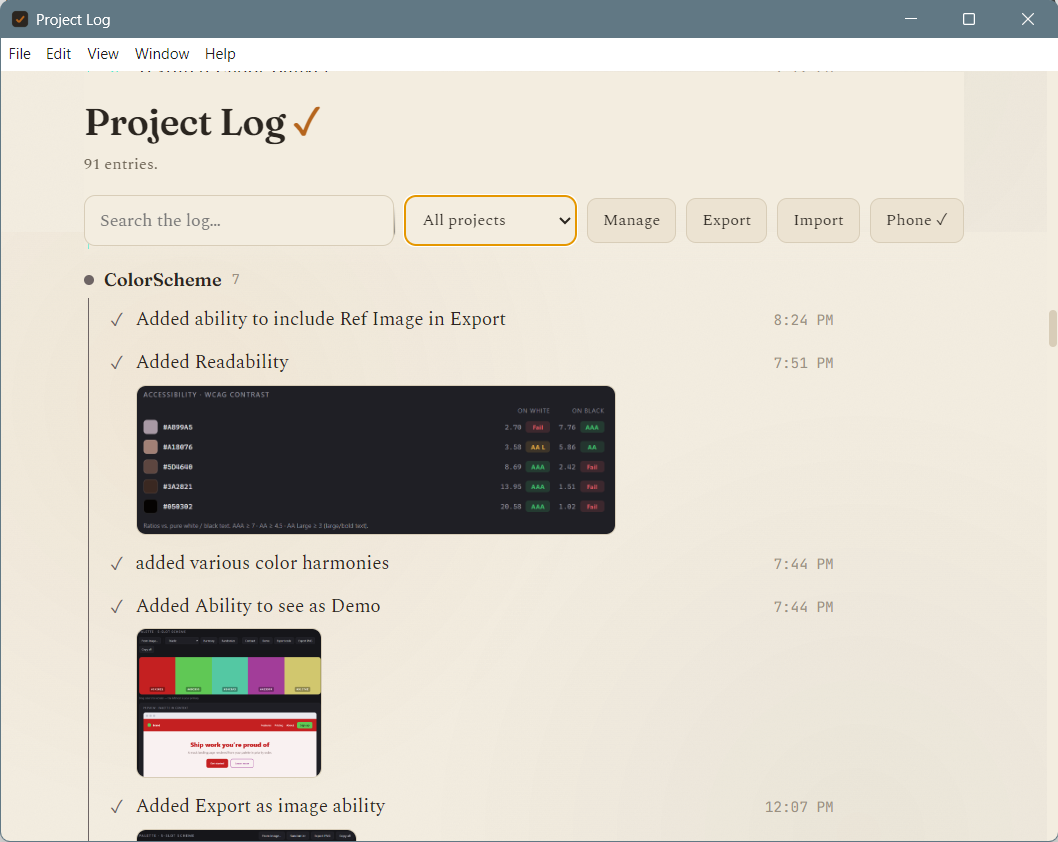
Pop it open from the tray, type a line, and it's logged with a timestamp. Everything you capture rolls up into a scrollable timeline you can scan, search, and filter by project — so the end-of-week recap writes itself.
Built to be fast enough that you'll actually use it, every day.
Lives in the system tray. Open, jot, close — no window to hunt for, no flow to break.
Quick bullet formatting keeps each day's notes tidy and easy to scan later.
Tag every entry to a project with its own color, so the timeline reads at a glance.
Paste or attach screenshots and photos right alongside the note they belong to.
A continuous, scrollable history of everything you've logged, day by day.
Jump to any entry by keyword or narrow the timeline down to a single project.
View your log on your phone through a cloud-synced page — read-only, wherever you are.
Stored as plain local files on your machine. No account, offline by default.