A focused desktop tool for building color schemes. Five slots, harmony generation, contrast you can trust, and export straight to the code you'll paste into your project. From idea to CSS variables in a couple of clicks.
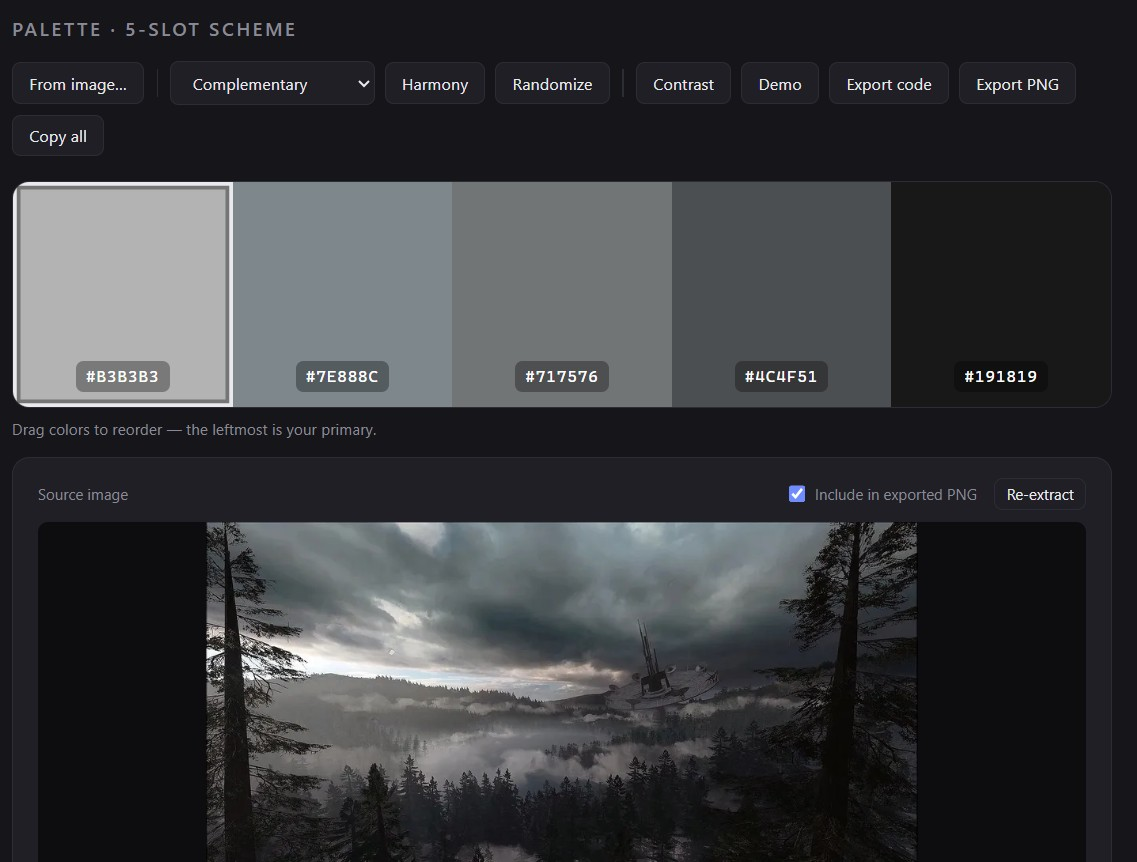
Start with a color you love, lock it, and let harmony generation fill the other slots around it. Drag slots to reorder, swap, and refine until the five-color set feels right, then move straight to checking and exporting it.
Everything you need to land a palette and export it - nothing you don't.
Compose a five-color scheme in a clean, focused workspace made for exactly that.
Lock the colors you've settled on and generate harmonious options for the rest.
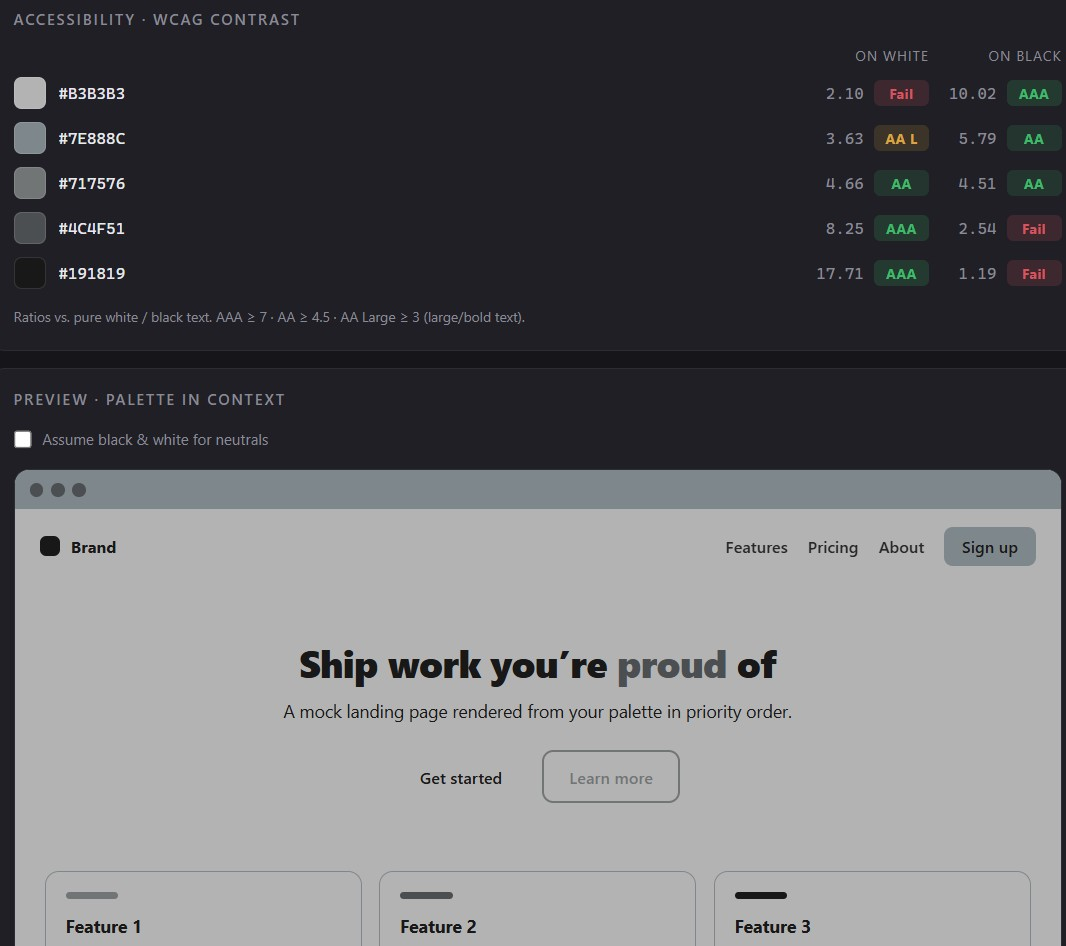
See contrast ratios against AA and AAA, so your palette is readable before it ships.
Copy out CSS, SCSS, Tailwind, or JSON. Ready to paste straight into your project.
Drag slots to reorder the scheme until the sequence reads the way you want.
A live demo panel shows your colors on real UI, not just floating swatches.
A standalone app. No browser tab, no account, your palettes stay with you.
The whole loop, from first color to exported tokens, takes seconds.
No subscription, no account to manage. Free secure download is handled by Lemon Squeezy.
Get Palette →