Paint PBR materials straight onto your 3D models with layers, a drag-and-drop material library, and stencil decals, plus a clear map system and non-destructive workflow
Get Patina →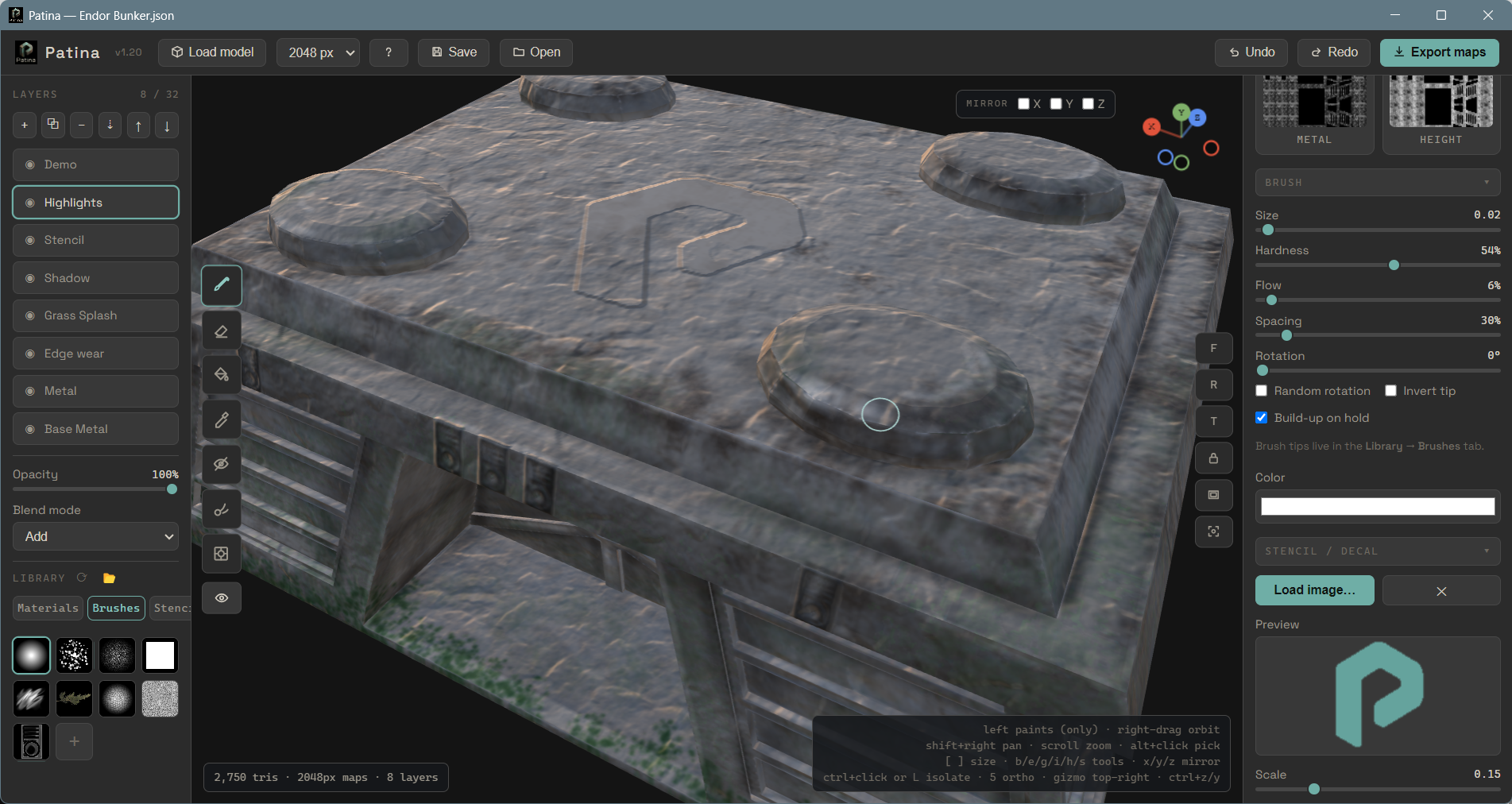
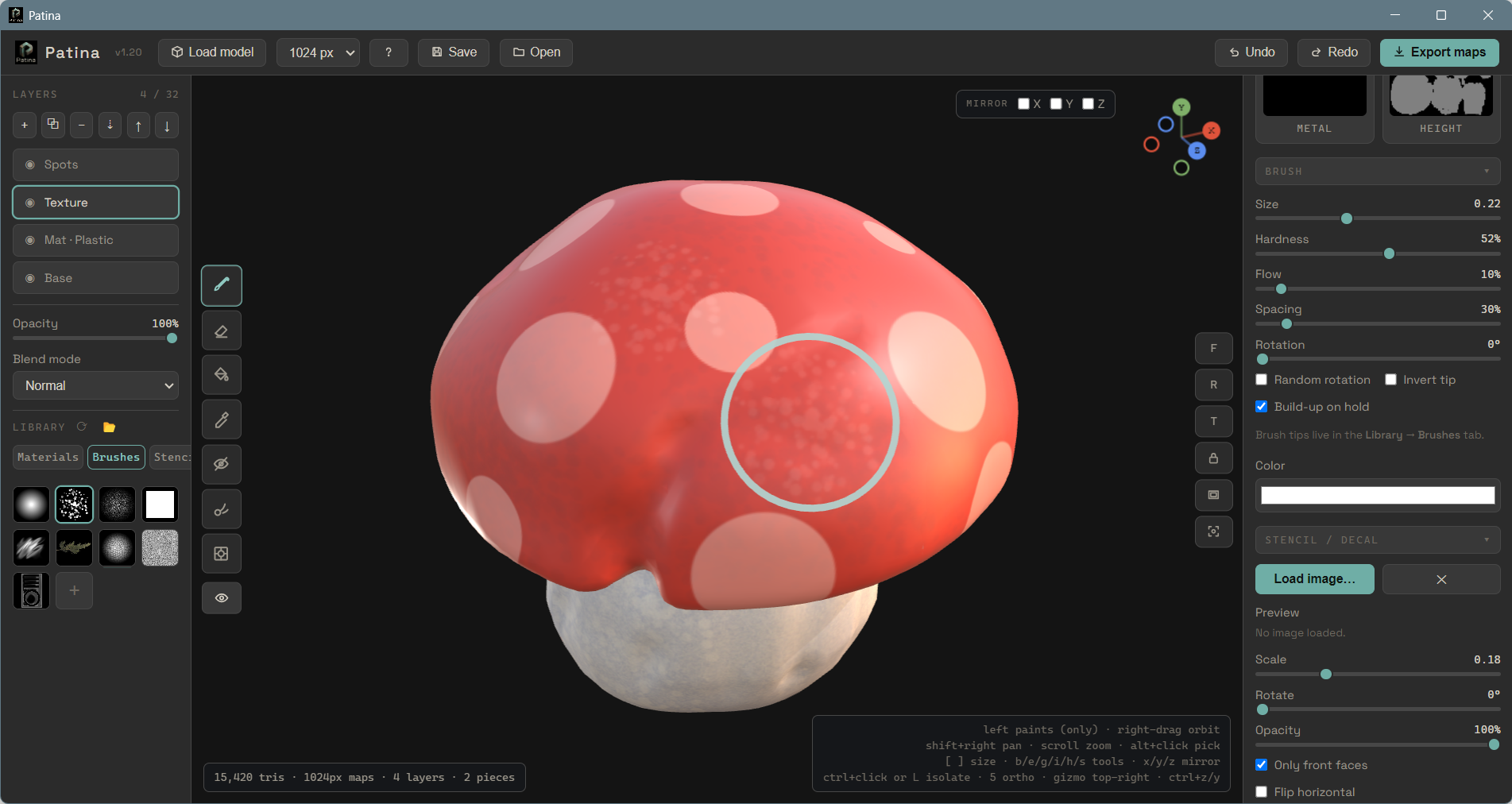
Brush PBR materials directly onto the 3D surface and see the result instantly in a fully lit viewport. What you paint is exactly what you get — no guesswork, no round trips.
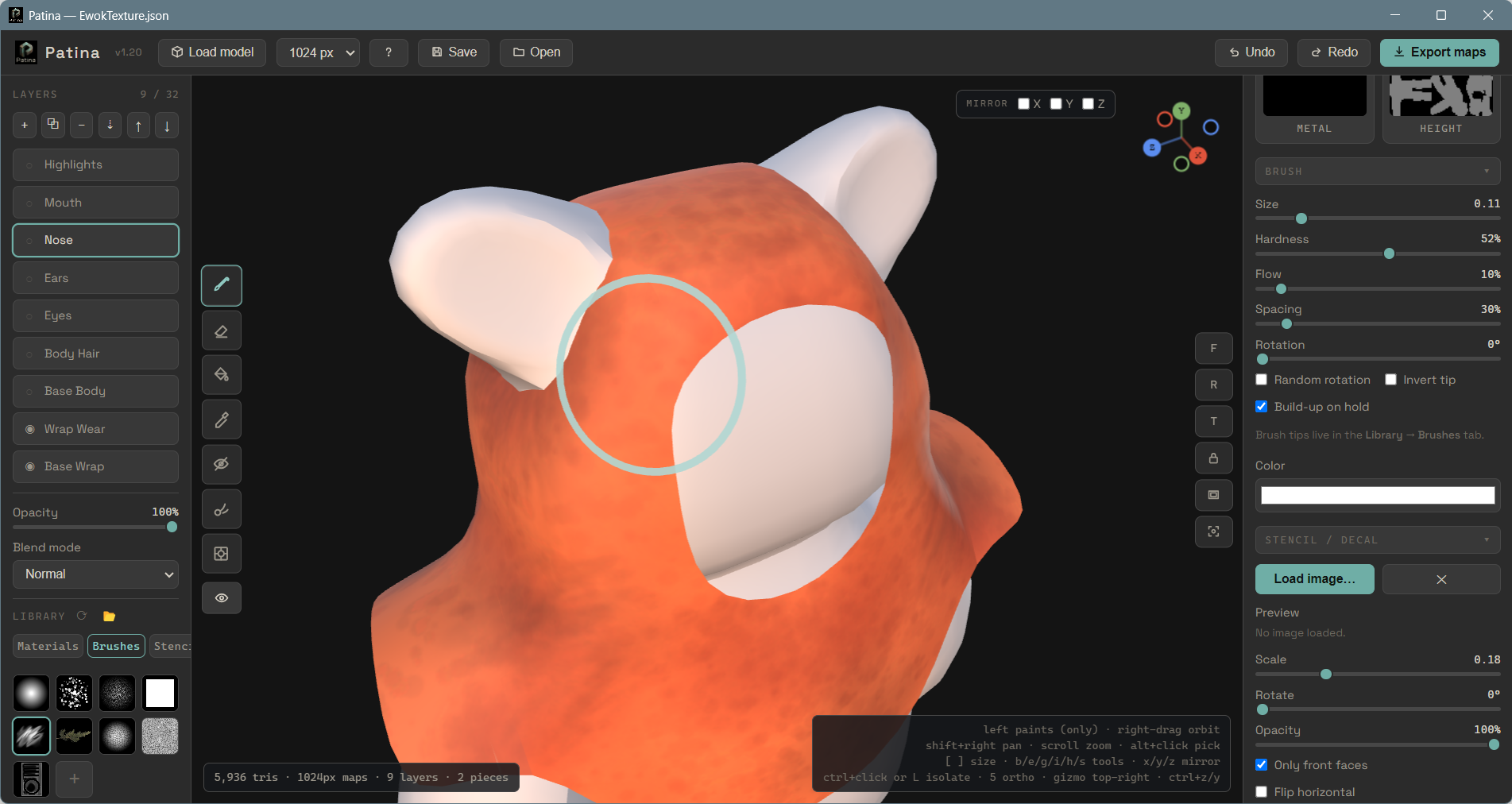
Stack fills, paints, and masks as non-destructive layers. Reorder, hide, or retune anything at any time — nothing is locked in until you decide to export.
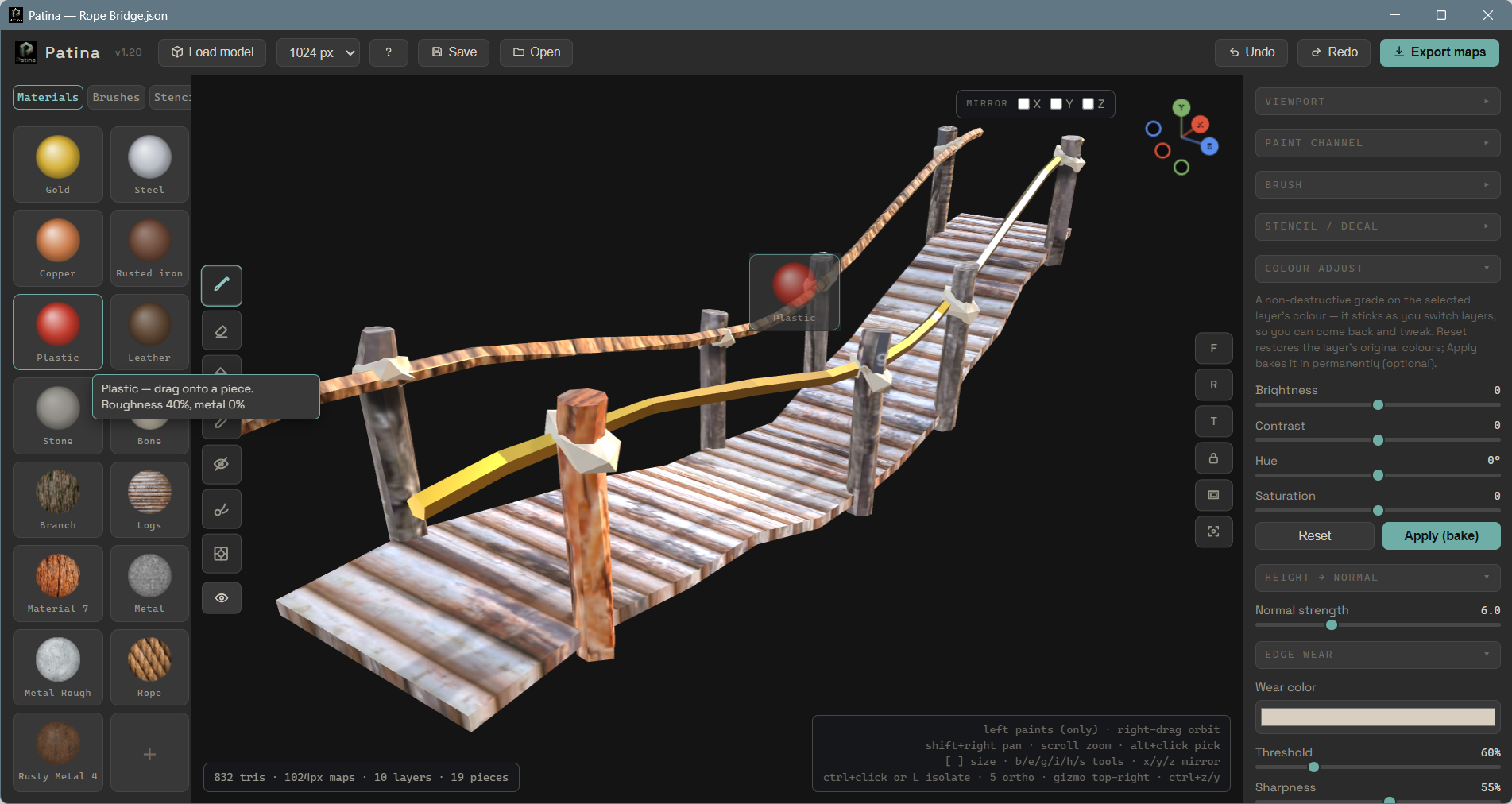
Paint from a built-in material library by dragging a material straight onto your model. Drop in your own to build a palette you reuse across every project.
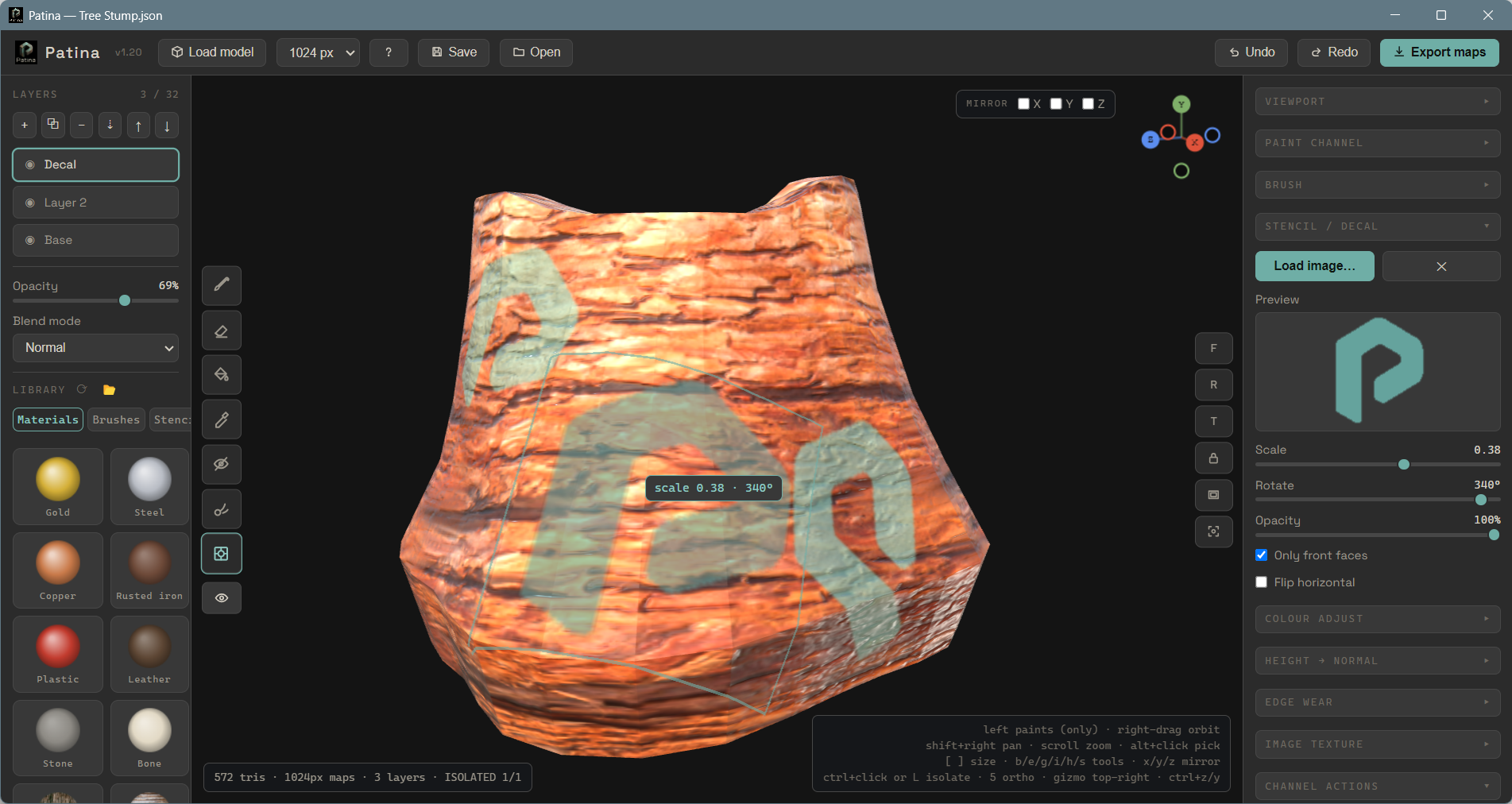
Project logos, labels, scratches, and fine details onto the surface as stencils and decals — position, scale, and blend them right on the model.
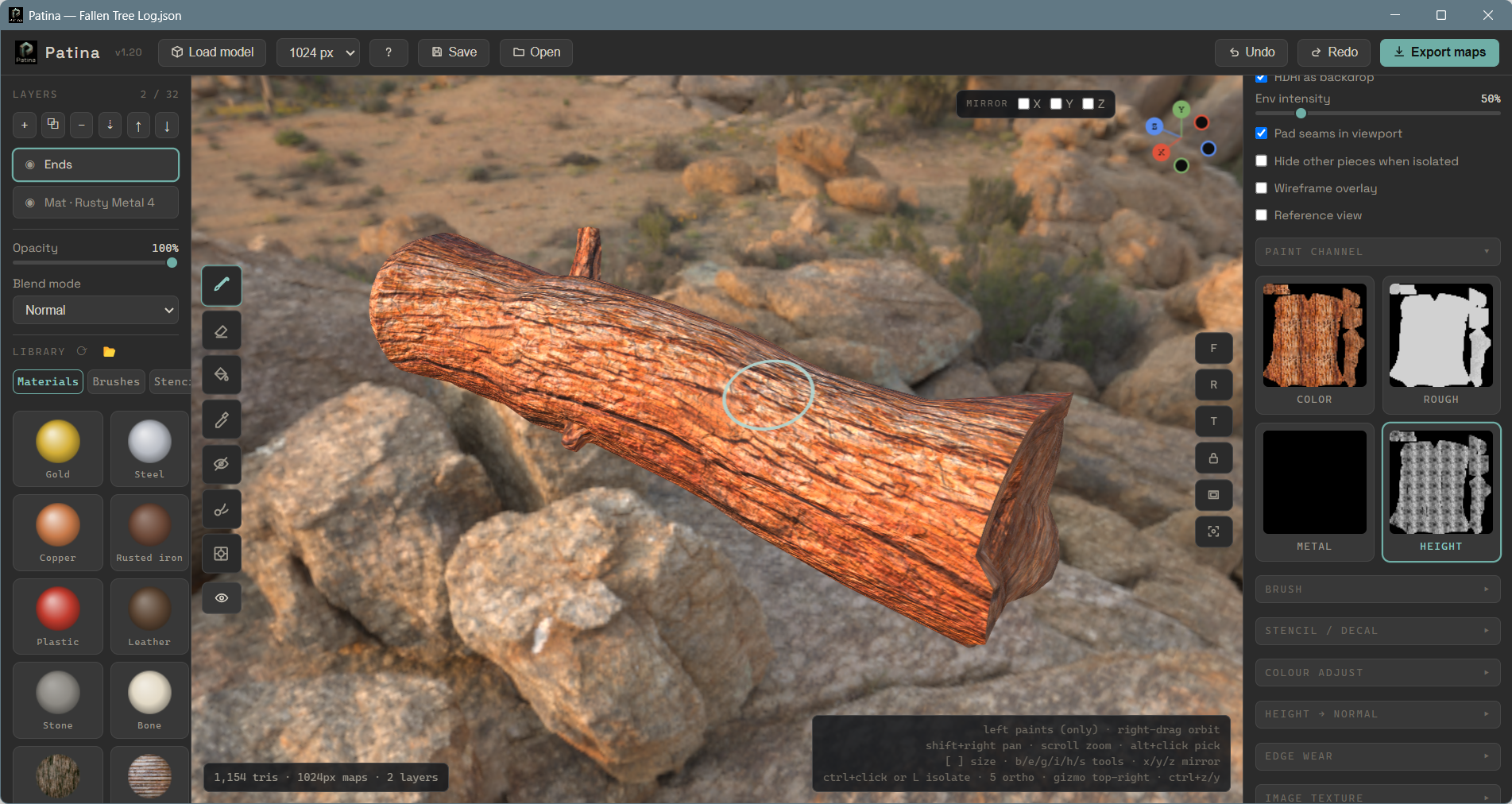
Every texture map is laid out and clearly labelled, in a UI that stays out of your way. No bake step, no node graphs to untangle, no complicated setup — open a model and paint.
An intuitive desktop app that runs completely local
Still under development...